Computer Learning Timeline Estimator
Personalize Your Learning Journey
Your Personalized Learning Plan
Recommended Free Resources
Based on your preferences:
- YouTube "Computer Guru" (Hindi tutorials)
- CSC Your nearest Common Service Centre
- Library Public library computer labs
Learning computers doesn’t have to be overwhelming. If you’re starting from zero-maybe you’ve never used a mouse or opened a web browser-you can still become confident and capable in just a few months. The key isn’t memorizing technical terms. It’s building habits, practicing daily, and using tools that feel natural. Thousands of people in India, from small towns to big cities, have done it. You can too.
Start with what you actually use
Most people think they need to learn how computers work inside before they can use them. That’s backwards. You don’t need to understand RAM or processors to send an email or book a train ticket online. Start with the things you already want to do.
- How to turn on a laptop or desktop
- How to use a mouse and keyboard
- How to open a web browser like Chrome or Firefox
- How to type your name, address, or a simple message
- How to search for something on Google
These aren’t “advanced skills.” They’re survival skills in today’s world. If you can do these, you’re already ahead of 40% of adults in rural India who’ve never used a computer. Don’t wait to be “ready.” Start now, even if it’s just 15 minutes a day.
Use free, local resources
You don’t need to pay for expensive courses. India has more free computer learning options than most people realize.
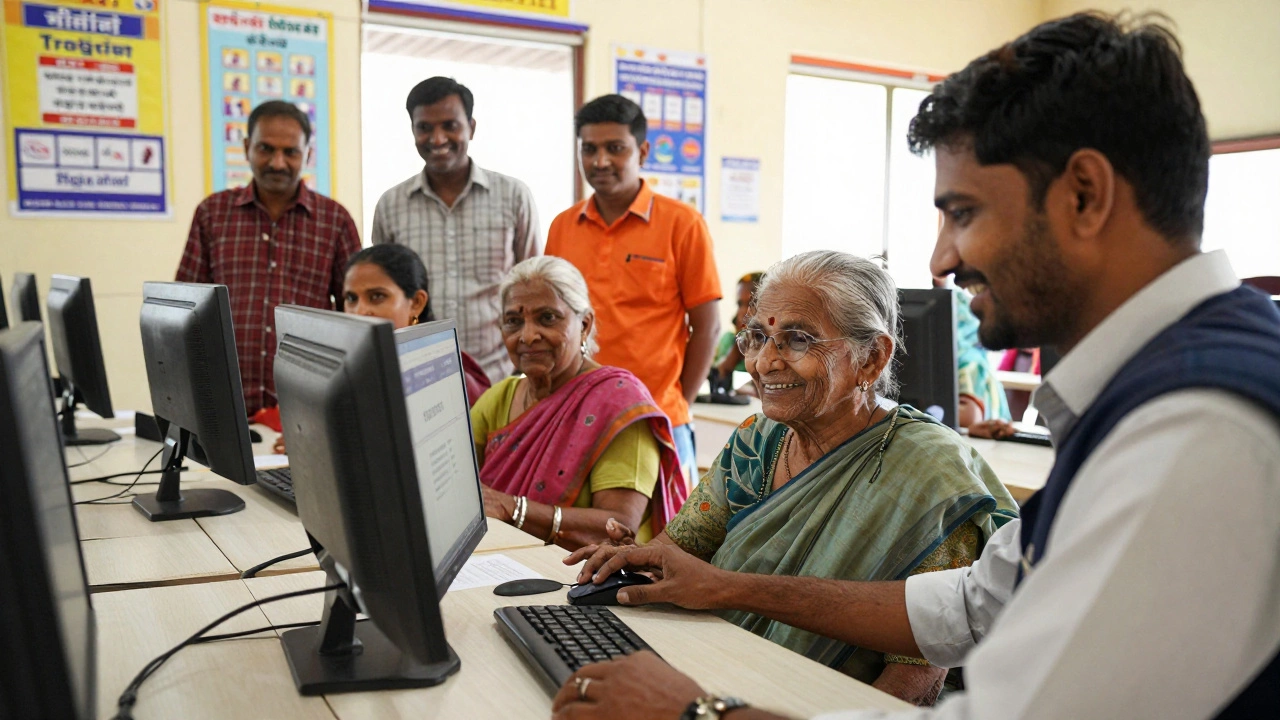
- Common Service Centres (CSCs) - These are government-run kiosks in villages and small towns. Many offer free basic computer training. Just walk in and ask for “computer shiksha.”
- YouTube channels - Try “Computer Guru” or “Learn Computer Hindi.” They teach in simple Hindi and regional languages. No English needed.
- Public libraries - Many city libraries in Delhi, Mumbai, Bangalore, and Pune have computer labs open to the public. Some even offer free weekly classes.
- NGOs and women’s self-help groups - In states like Rajasthan, Bihar, and Odisha, local NGOs run free computer classes for women and seniors. No registration fee. No age limit.
One woman in Varanasi, 68 years old, learned to video call her grandson in Canada using only a free CSC course. She didn’t know what “Wi-Fi” meant. She just learned how to press the right buttons. That’s all you need.
Practice on real tasks, not fake exercises
Most computer courses make you do boring drills: type this paragraph 10 times, click this icon 5 times, open Notepad. That’s not learning. That’s memorizing.
Instead, learn by doing real things:
- Write a short message to a family member using WhatsApp Web
- Search for the nearest pharmacy and save its number
- Download a free PDF of a Hindi storybook and open it
- Use Google Maps to find your local bus stop
- Take a photo with your phone, send it to a friend via email
Each of these tasks teaches you something new: how to navigate, how to download, how to save files, how to connect devices. You’re not just clicking buttons-you’re solving problems. That’s real learning.
Learn at your own pace
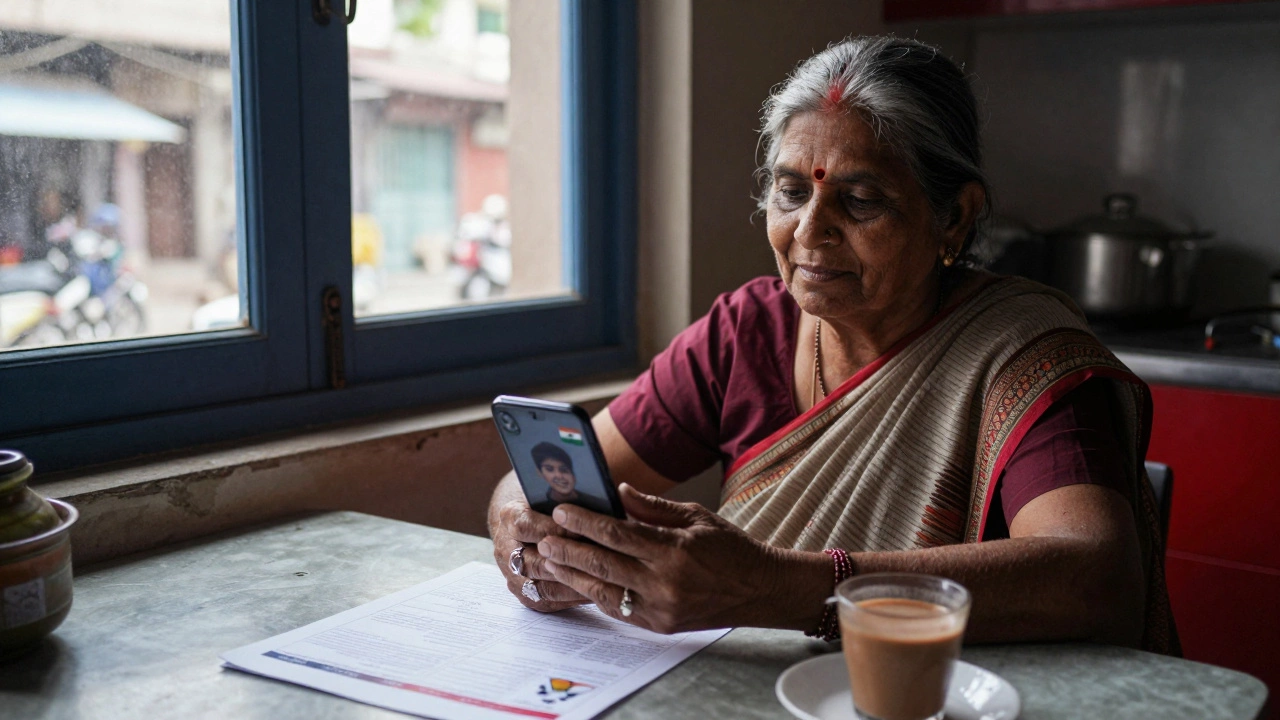
There’s no rush. You don’t need to finish a course in 30 days. Many people in India take 6-8 months to feel comfortable. That’s normal.
Here’s a simple plan:
- Week 1-2: Just turn on the computer. Learn where the power button is. Open the browser. Search for your city name.
- Week 3-4: Type your name. Save it as a file. Open it again. Delete it. Do this 5 times.
- Week 5-6: Use Google to find a recipe. Follow it step by step. Print it if you can.
- Month 2: Send an email to a friend. Attach a photo.
- Month 3: Book a bus ticket online. Ask someone to help you once. Then do it alone.
Progress isn’t about speed. It’s about consistency. One hour a week is enough. Two hours is better. But don’t skip days. Even 10 minutes counts.
Don’t get stuck on English
Many computer courses assume you know English. That’s a barrier for millions. But most tools today work in Hindi, Tamil, Telugu, Bengali, and other languages.
Here’s how to switch your computer to Hindi:
- Click on the clock in the bottom-right corner
- Go to Settings > Time & Language > Language
- Add “Hindi” as your display language
- Restart the computer
Now your entire system-menus, buttons, error messages-will be in Hindi. You can learn everything without knowing a single English word. In fact, over 60% of new computer learners in India use Hindi or regional language interfaces. You’re not behind. You’re part of the majority.
Find a buddy
Learning alone is hard. Learning with someone else? That’s easy.
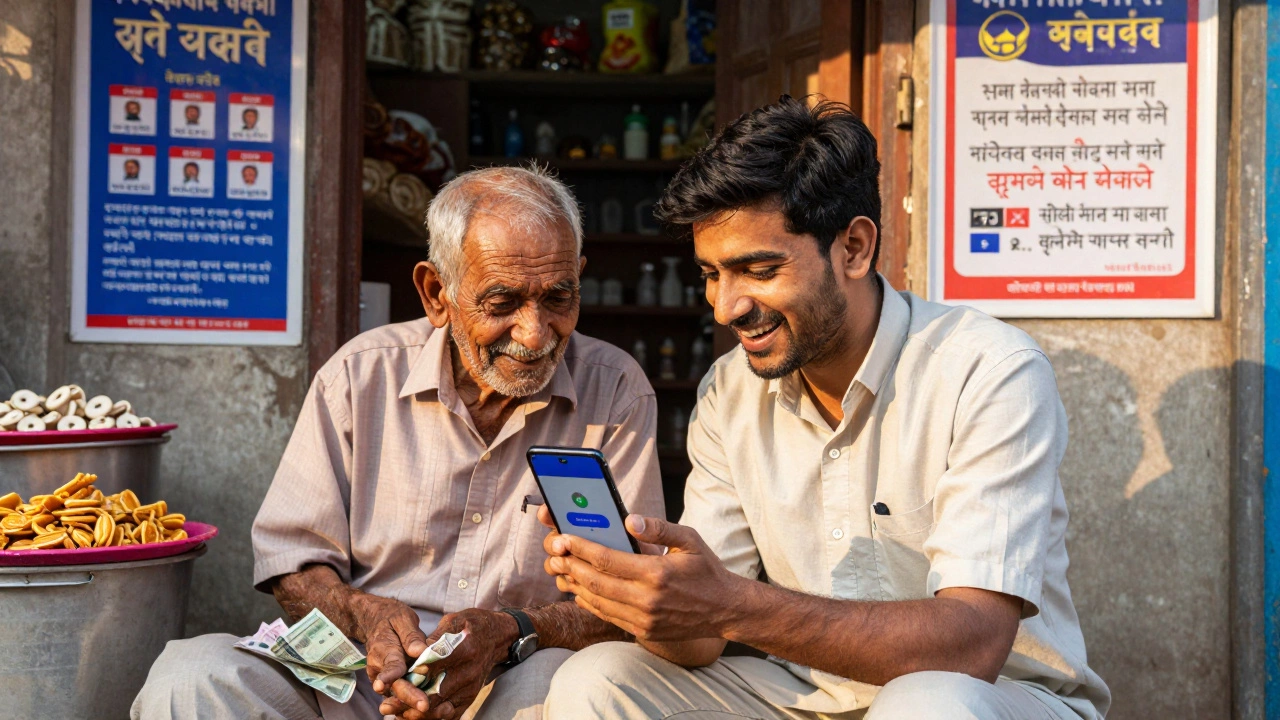
Ask a neighbor, a cousin, a friend’s child, or even a local shopkeeper who uses a smartphone. Say: “Can you show me how to do this one thing?” Most people are happy to help. No one expects you to know everything.
One man in Jaipur learned to use Google Pay by watching his 12-year-old niece. He didn’t feel silly. He felt proud. He now helps 5 other seniors in his building. You can be that person too.
What comes next?
Once you’re comfortable with the basics, you can move on to things that matter to you:
- Online banking and UPI payments
- Applying for government schemes (like PM-Kisan or Ayushman Bharat)
- Using WhatsApp for business (selling goods, taking orders)
- Watching YouTube tutorials on farming, tailoring, or cooking
- Joining a free digital literacy course from a local college
There’s no final exam. No certificate you need to earn. Just keep going. Each small win adds up.
Common mistakes to avoid
- Waiting for the “perfect” time - There is no perfect time. Start today.
- Comparing yourself to others - Someone who learned in 2 weeks isn’t better than you. You’re on your own path.
- Thinking you need a laptop - A smartphone with internet is enough to start. Many people in India learn entirely on phones.
- Ignoring mistakes - If you click the wrong button and something disappears? That’s normal. Try again. That’s how you learn.
Computers aren’t magic. They’re tools. And tools get easier the more you use them.
Can I learn computer skills without going to a coaching center?
Yes, absolutely. Thousands of people in India learn computers entirely for free using YouTube, Common Service Centres, public libraries, and help from family. You don’t need to pay for coaching. Just use what’s already available near you.
Is it too late to learn computers if I’m over 50?
Not at all. In fact, over 30% of new computer learners in India are over 50. Many learn to video call grandchildren, check pensions, or book medical appointments. Age doesn’t matter-consistency does. Start with one task. Build from there.
Which free computer course is best for beginners in India?
The best free course is the one you’ll actually finish. Start with YouTube channel “Computer Guru” (in Hindi) or visit your nearest Common Service Centre. They offer 10-hour basic modules on using Windows, browsing, and sending emails. No test. No fee. Just hands-on practice.
Do I need to learn English to use a computer?
No. Modern operating systems like Windows and Android let you change the entire interface to Hindi or your regional language. You can search, type, send messages, and shop online without knowing a single English word. Language is not a barrier-it’s a setting you can change.
How long does it take to learn basic computer skills?
Most people get comfortable with the basics in 4-8 weeks if they practice 3-4 times a week. That means opening apps, searching online, saving files, and sending messages. You don’t need to learn everything at once. Focus on one skill per week.
Learning computers isn’t about becoming a tech expert. It’s about gaining control. Control over your money, your health, your family, your future. You don’t need to be the best. You just need to start. And you’re already ahead of where you were yesterday.
Leave a comments